






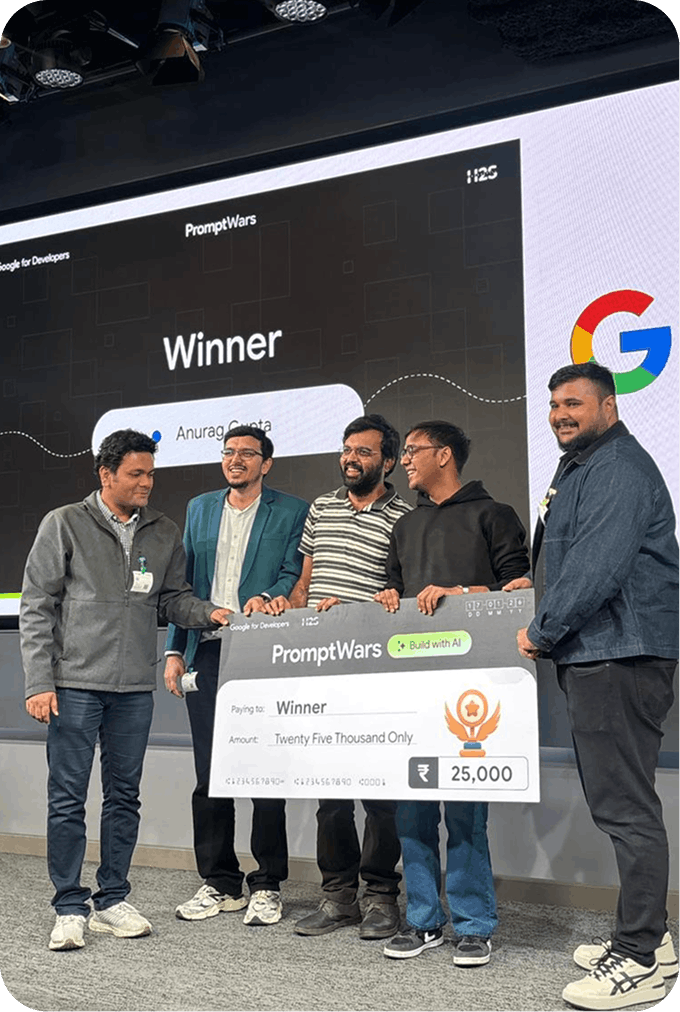


In-person
mentorship
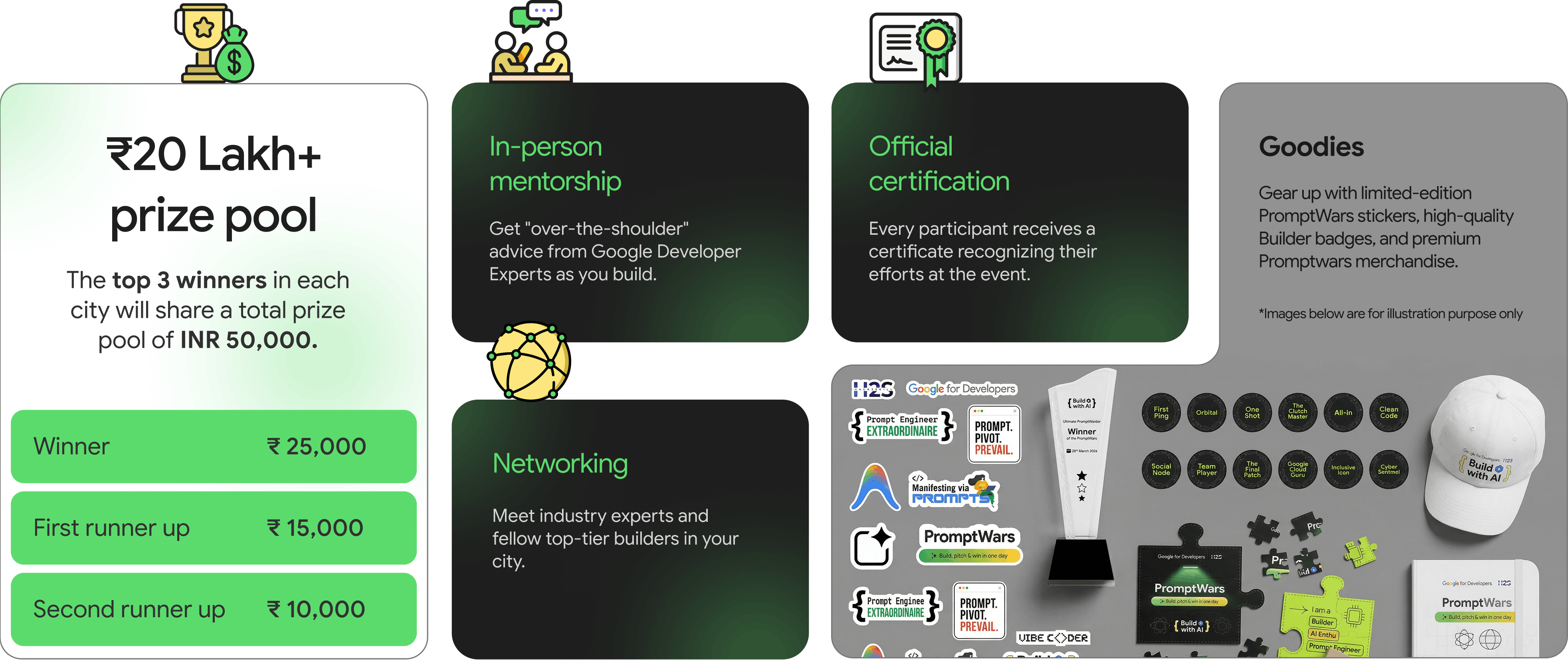
Get "over-the-shoulder" advice from Google Developer Experts as you build.

In-person
 India only
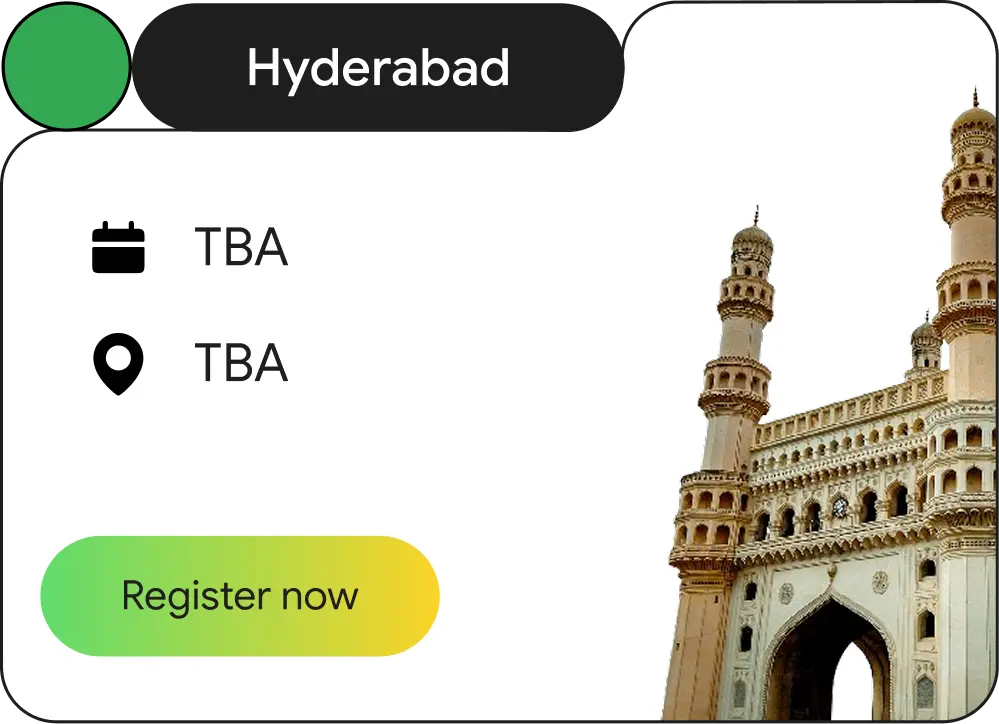
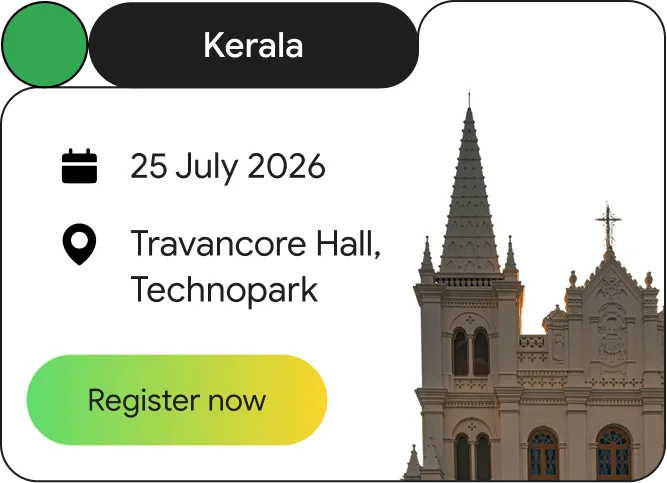
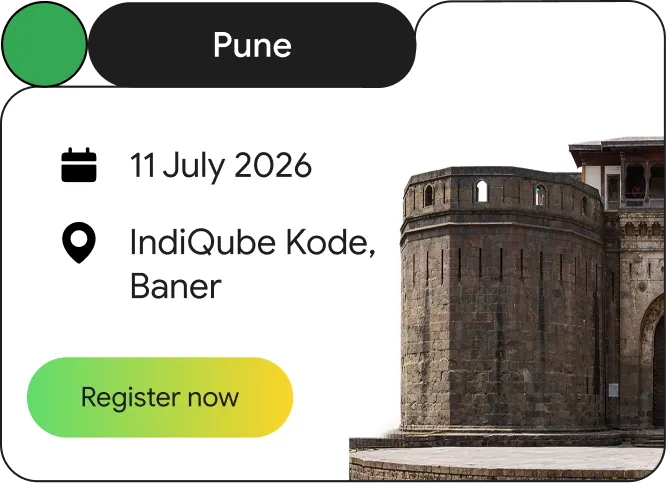
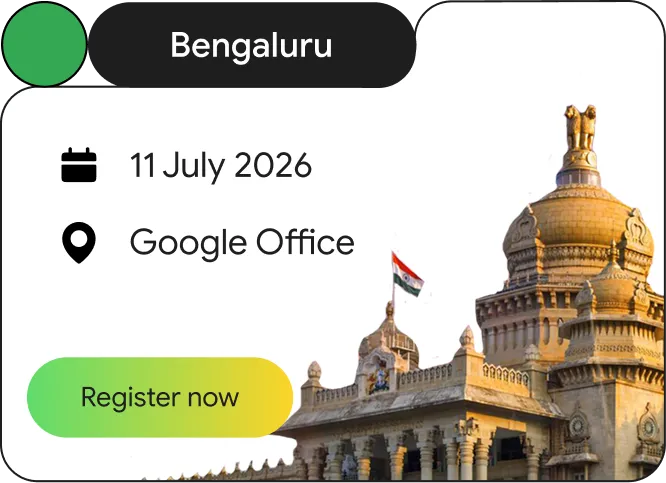
PromptWars: In-person is a high-energy, one-day vibe coding hackathon happening in major cities across India for working professionals.
You’ll walk into a room full of the best builders in your city, get a secret challenge on the spot, and have a few hours to build a working AI solution.
It’s about fast thinking, clear prompting, and showing that you can solve real problems in limited time with AntiGravity.
Register now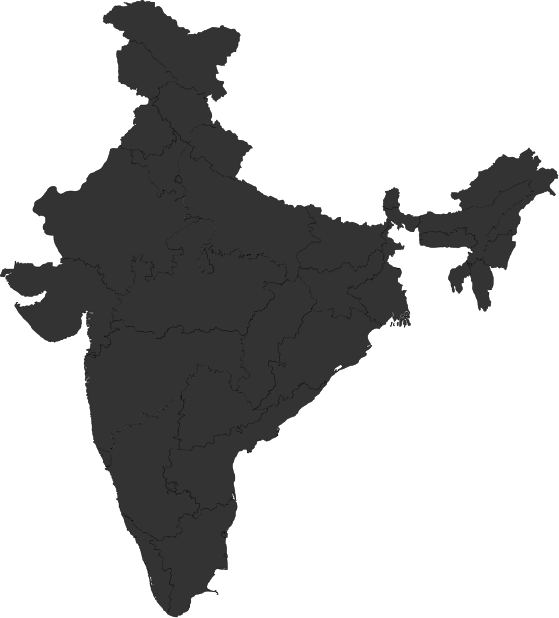
Winners are announced
Tap to check out the winners and their project details
Winners are announced
Tap to check out the winners and their project details
Winners are announced
Tap to check out the winners and their project details
Winners are announced
Tap to check out the winners and their project details
Winners are announced
Tap to check out the winners and their project details
Winners are announced
Tap to check out the winners and their project details
Winners are announced
Tap to check out the winners and their project details
Winners are announced
Tap to check out the winners and their project details
Winners are announced
Tap to check out the winners and their project details
 Delhi
Lucknow
Delhi
Lucknow
 Bhopal
Winners are announced
Tap to check out the winners and their project details
Winners are announced
Tap to check out the winners and their project details
Winners are announced
Tap to check out the winners and their project details
Winners are announced
Tap to check out the winners and their project details
Click the blinking cities for winner details.
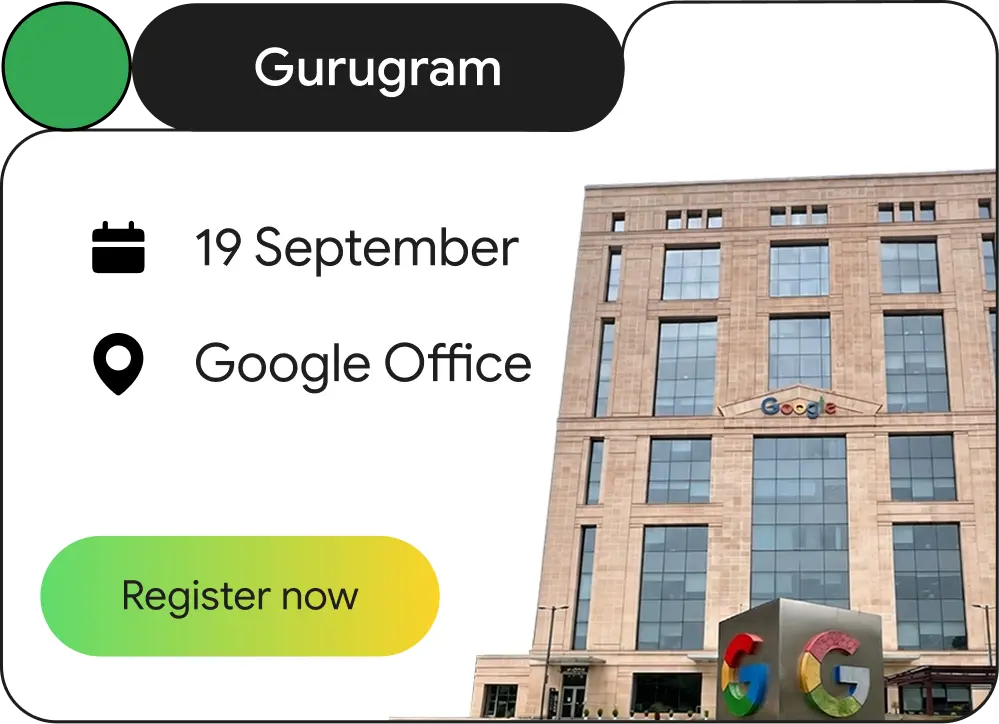
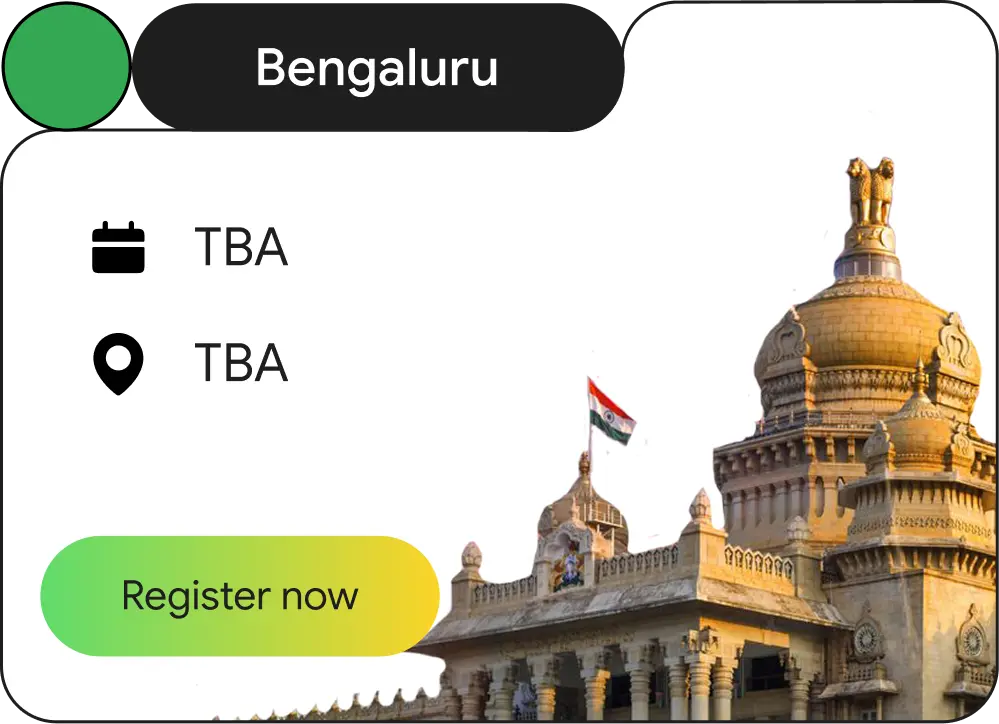


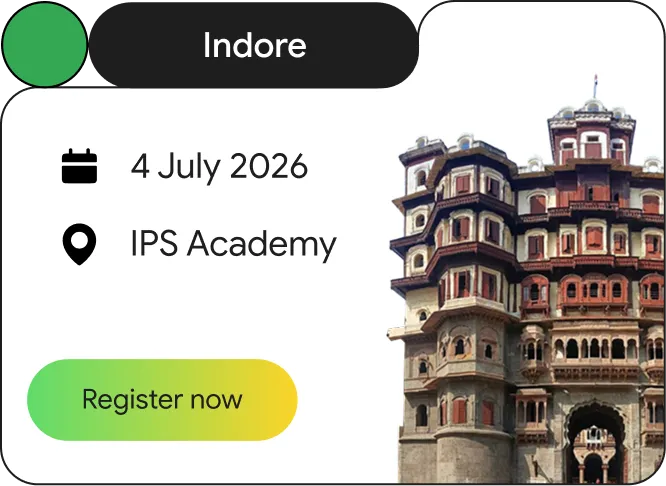
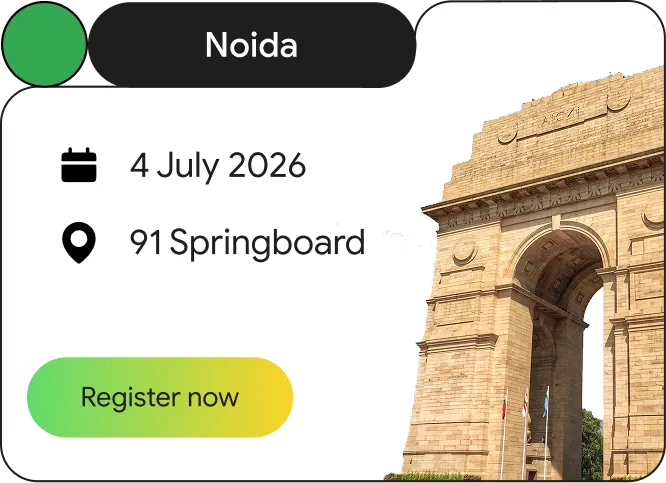


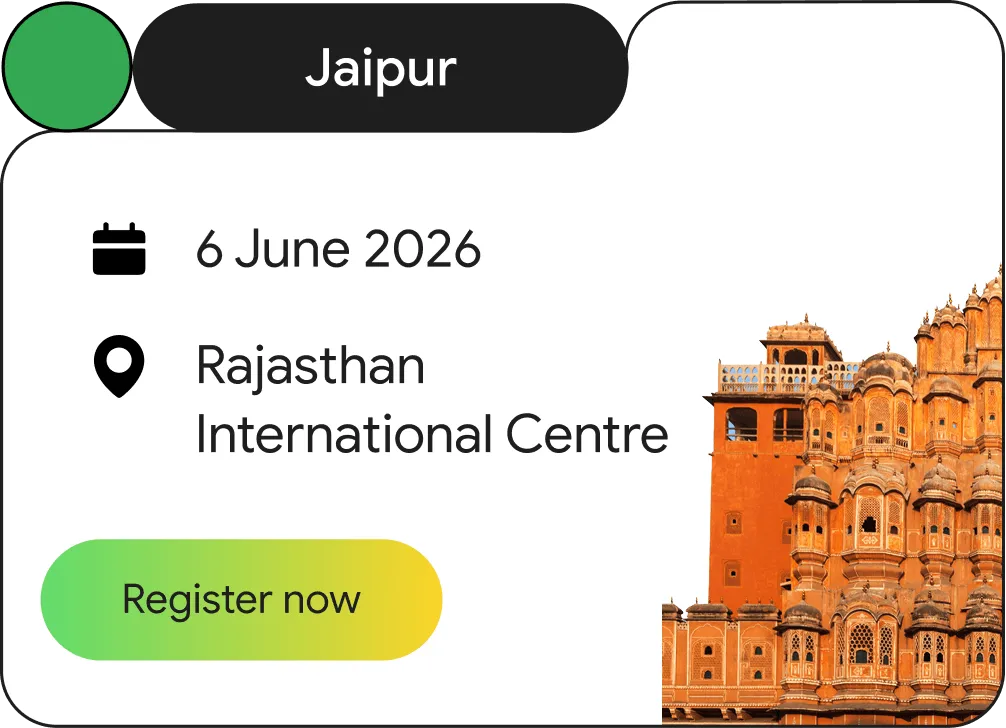
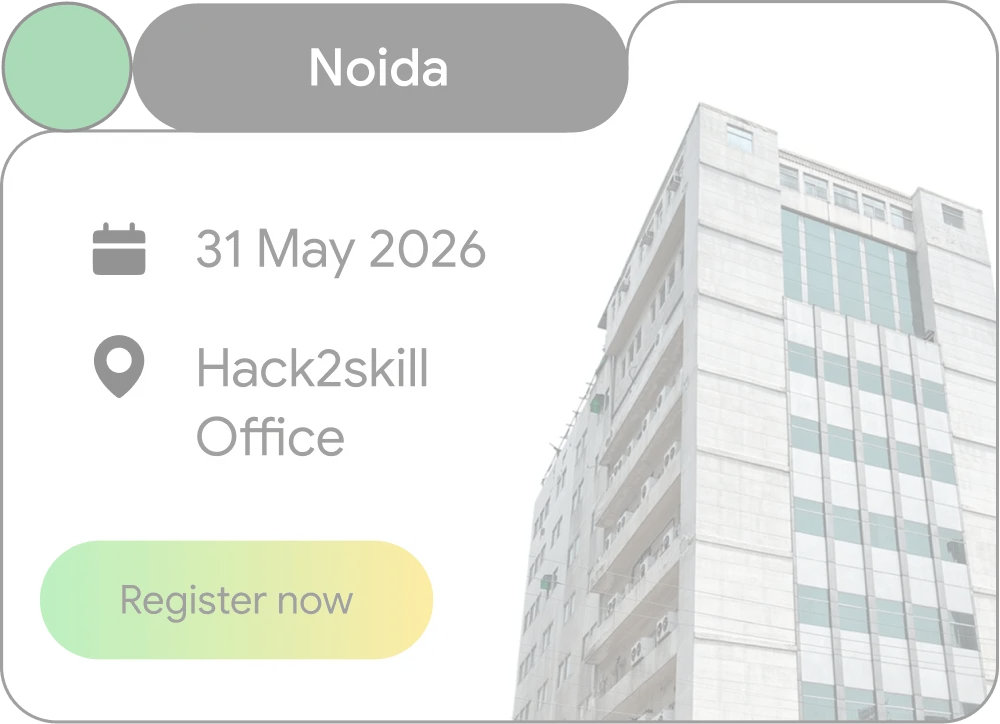
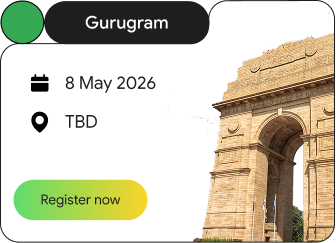
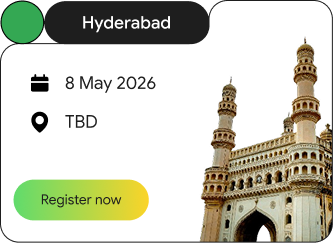
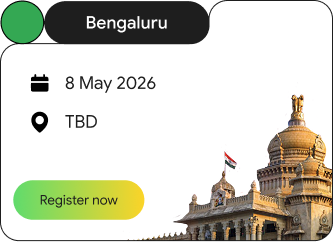
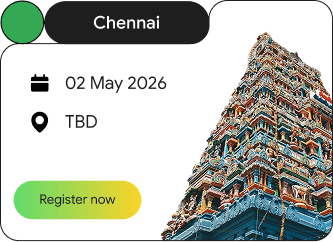
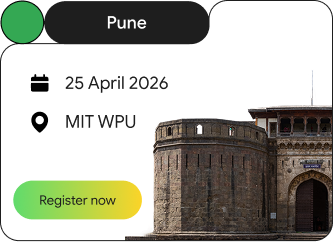
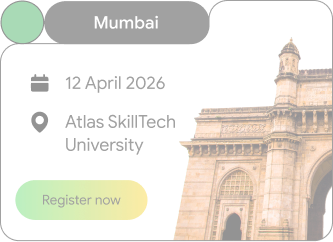
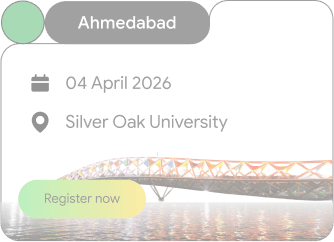
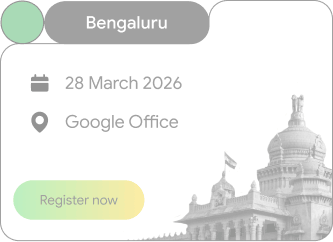
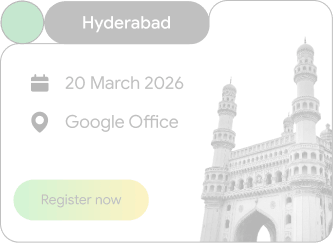
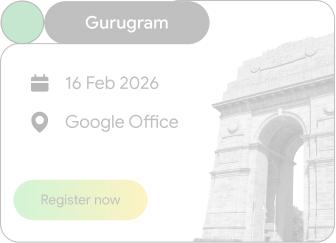
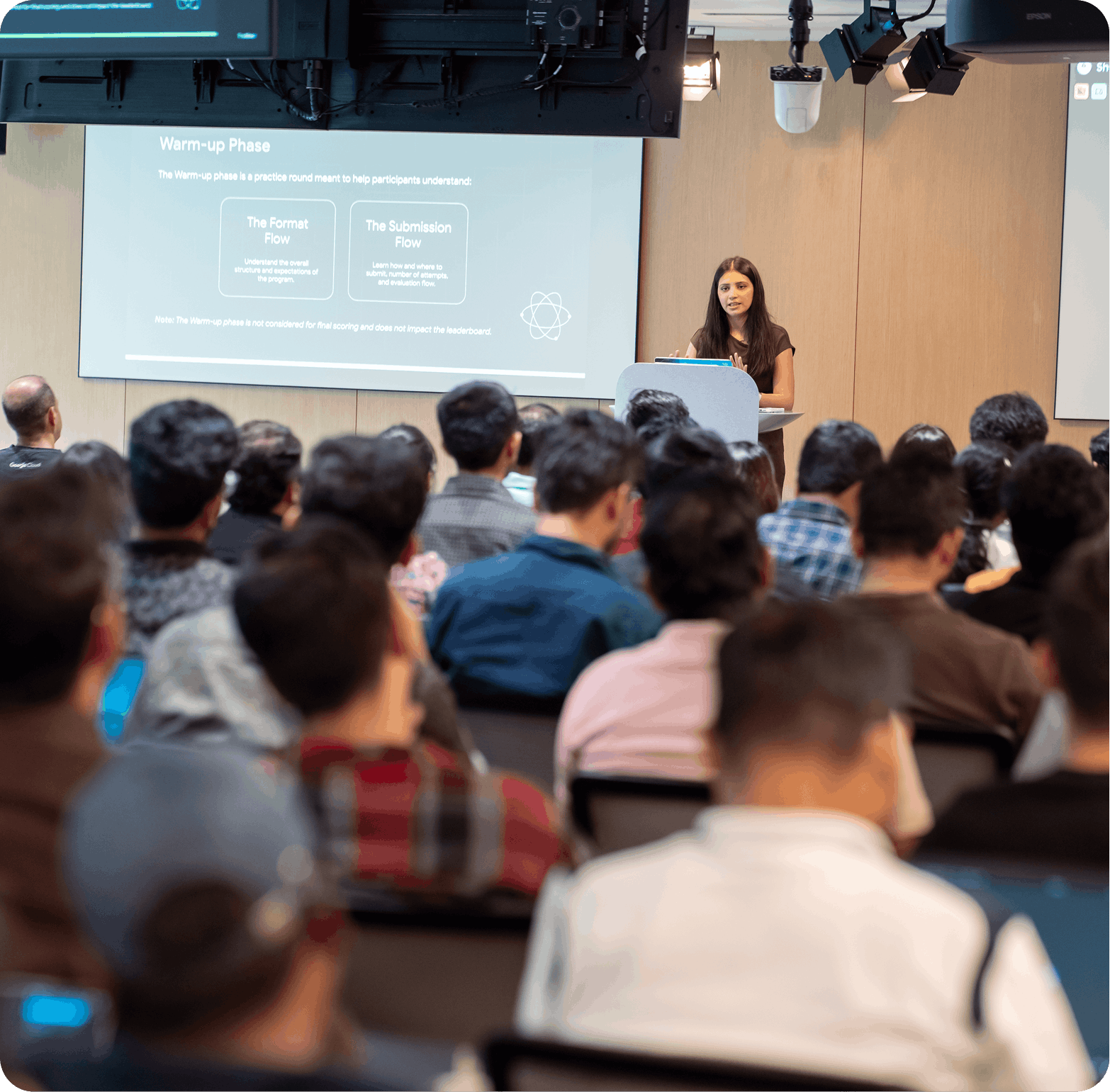
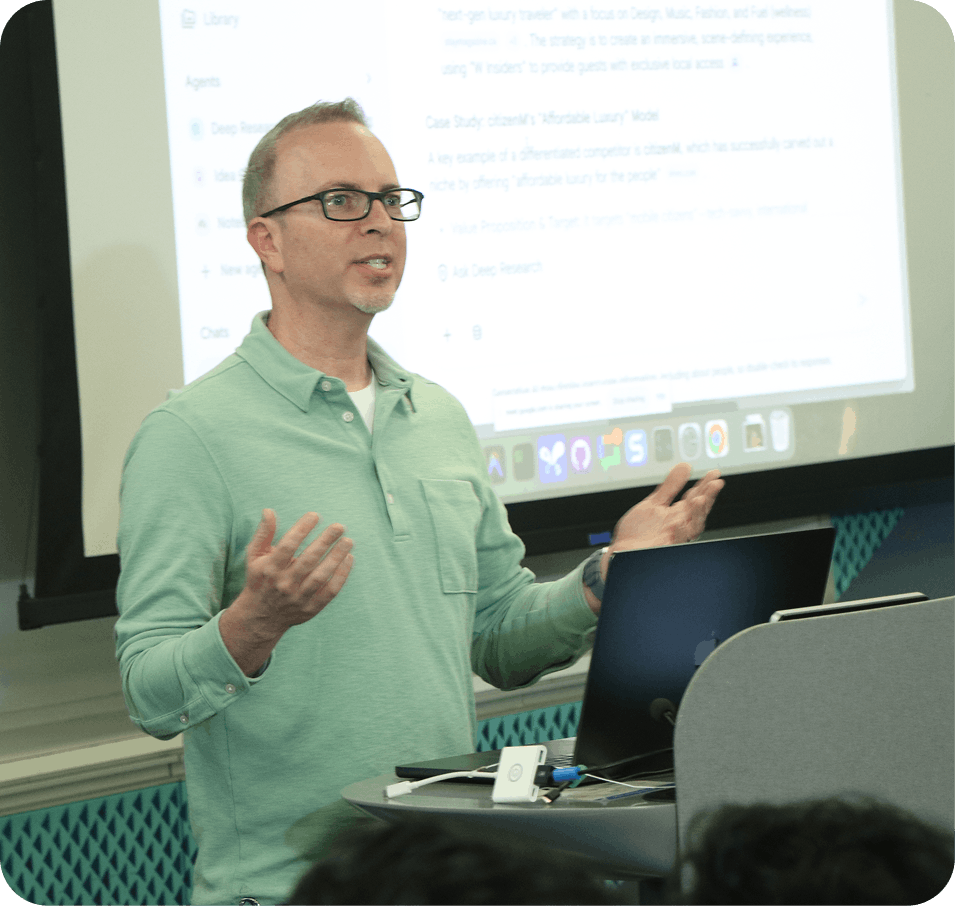
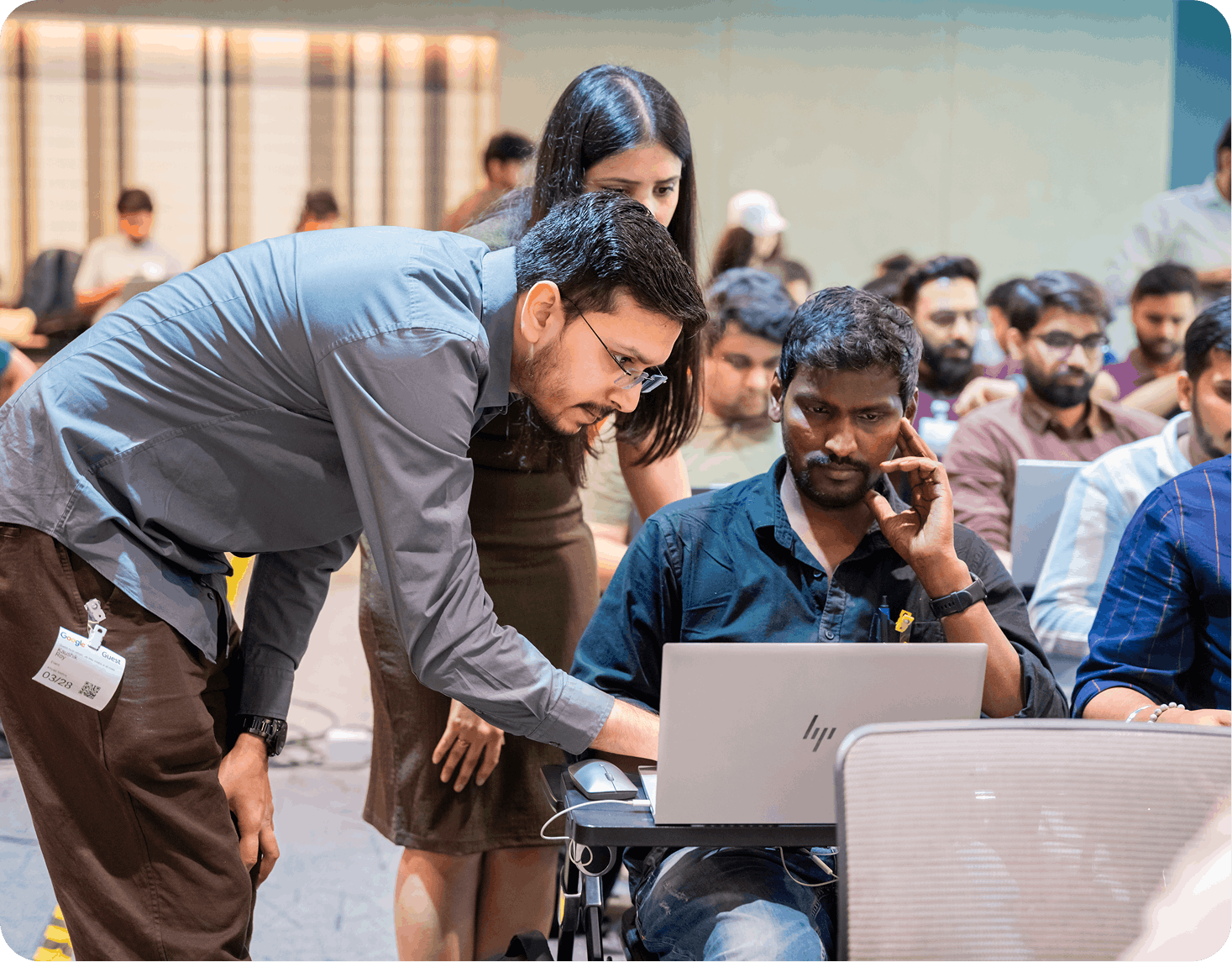
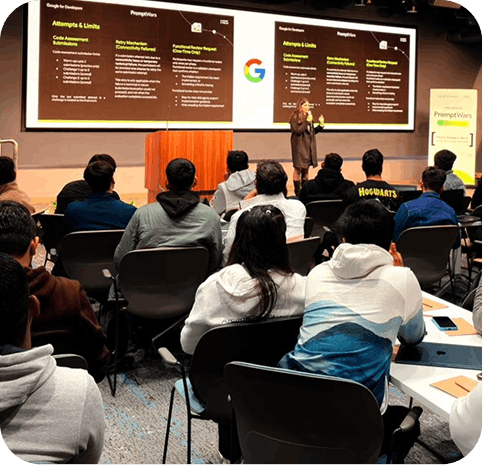

Get "over-the-shoulder" advice from Google Developer Experts as you build.

Every participant receives a certificate recognizing them as an Offline Finalist.

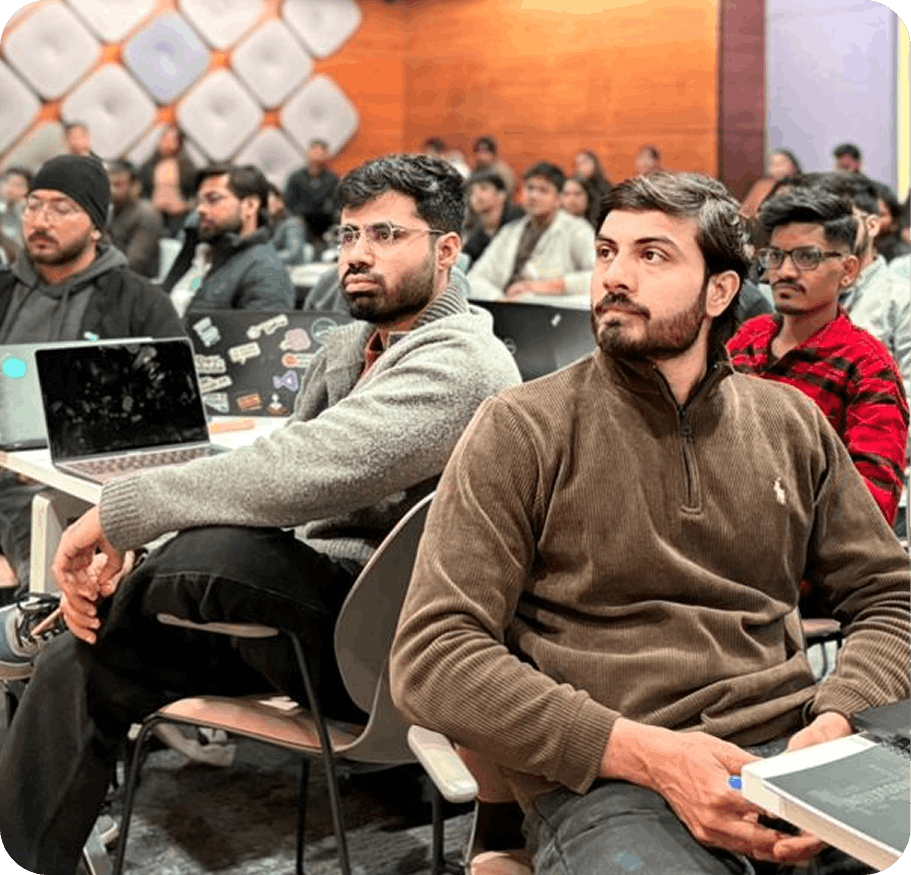
Meet industry experts and fellow top-tier builders in your city.
PromptWars In-person is exclusively designed for professionals actively working in the industry.
Important: If a previous PromptWars participant registers using a different email address, the registration will be considered invalid, and they will not be permitted to participate.
Sign up for your specific city.
If your profile is shortlisted, you'll receive an exclusive invite along with venue, date and other details.
On the day of the event, we reveal the problem statement. No one gets a head start.
You'll have a focused window (typically 2-3 hours) to build your solution from scratch using AntiGravity.
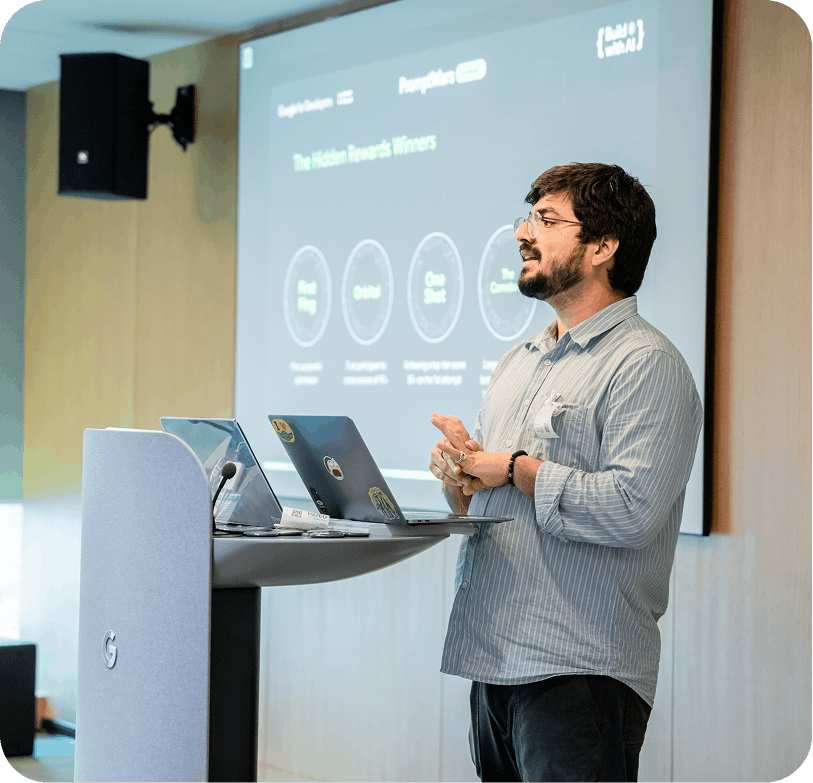
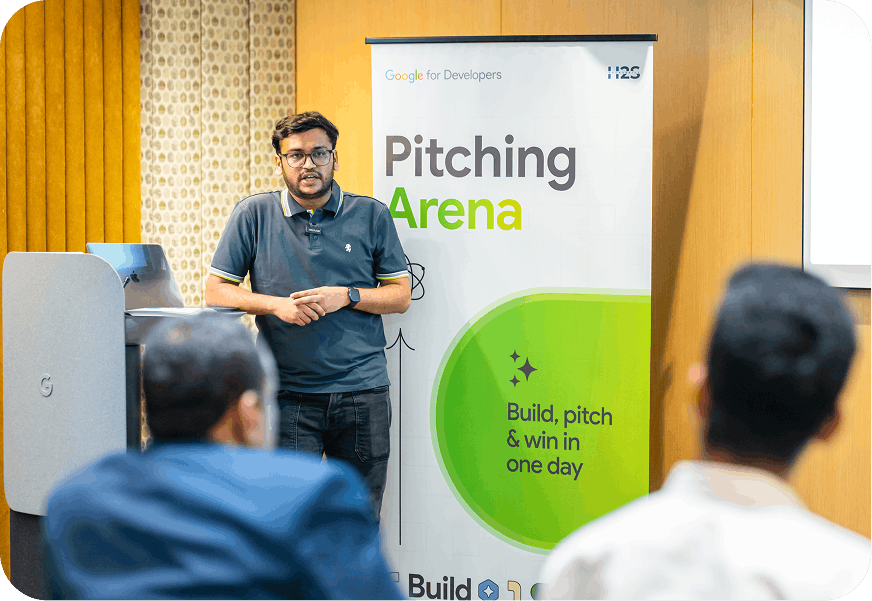
The top builders will demo their working solution live in front of a panel of industry experts, on the same day.
Winners are announced on the spot, who will take the cash prize home.
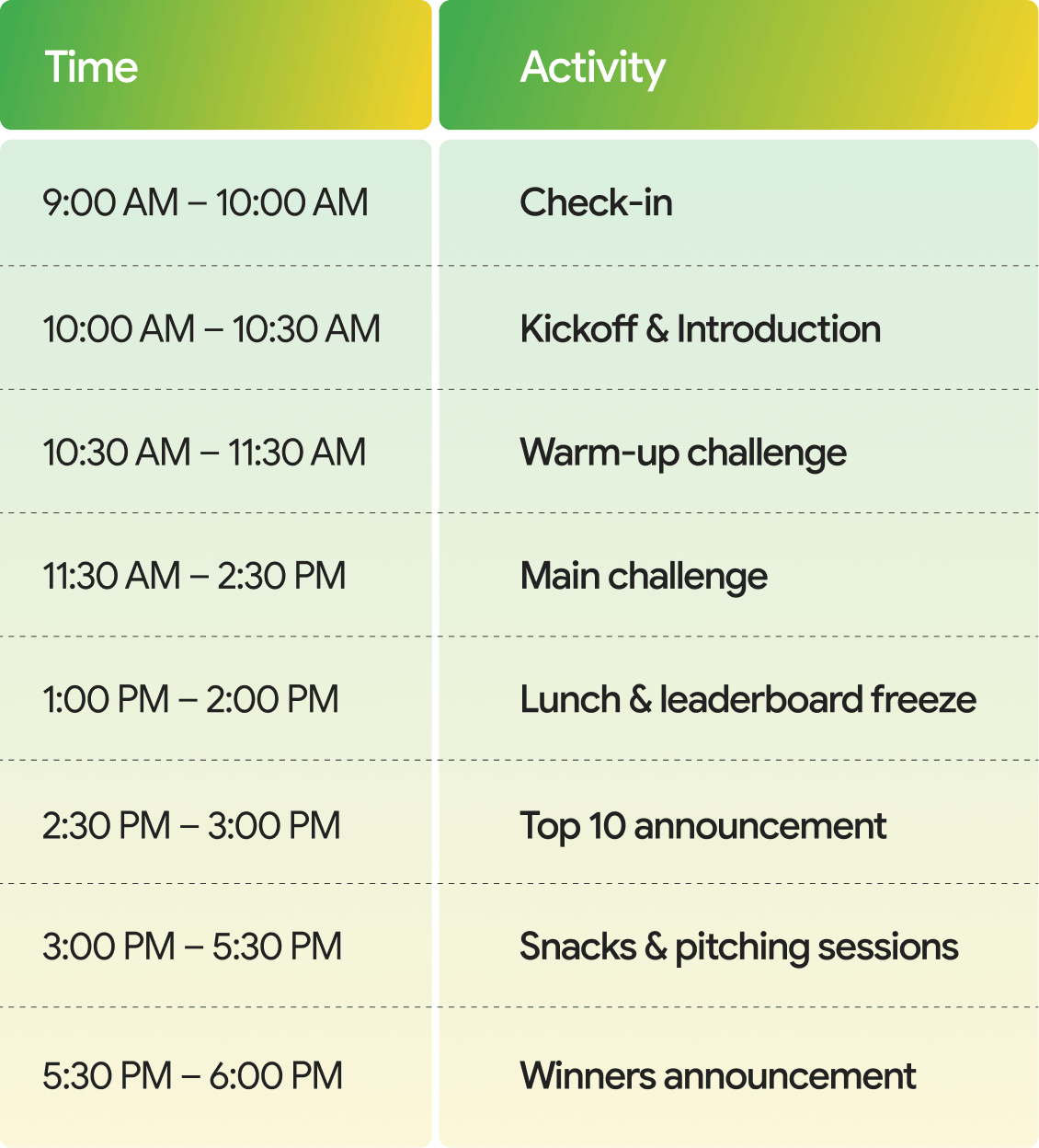
Get ready for an action-packed day of innovation and competition! Here's the full timeline to keep you on track from check-in to the final trophy.
We focus on finding and building AI-based solutions for real-world problems. You won't just be making "chatbots." You will build.
Tools that can actually perform tasks, like summarizing a massive data set or automating a workflow.
Solutions that use Google Antigravity to tackle issues in education, healthcare, productivity, or finance.
Working apps where your "intent" is clear and the user experience is smooth.

Get a head start: Complete these steps at home, if you are shortlisted and invited for the event, so you're ready to build the moment you walk through the doors.
When you open Antigravity for the first time, it will guide you through a quick setup:
Recommended: Agent-Assisted (The AI handles safe tasks automatically but asks you before making major changes).
Antigravity works best when it has a dedicated space to "think."
Now, instead of creating files manually, you'll talk to the Agent Side Panel.
We are looking for elite venues to host the most intense AI events in the country. Choose your track and put your campus on the map.