





Bootcamps
Our Build with AI Bootcamps are in-person workshops designed for those who are looking for hands-on building experience. You will spend the day with Google Developer Experts learning how to build with Antigravity and other AI systems. From automating complex workflows to mastering the Antigravity developer environment, these bootcamps are designed to turn you into an architect of the future.
Register nowThe vibe coding revolution is coming
Compiling India.dev...
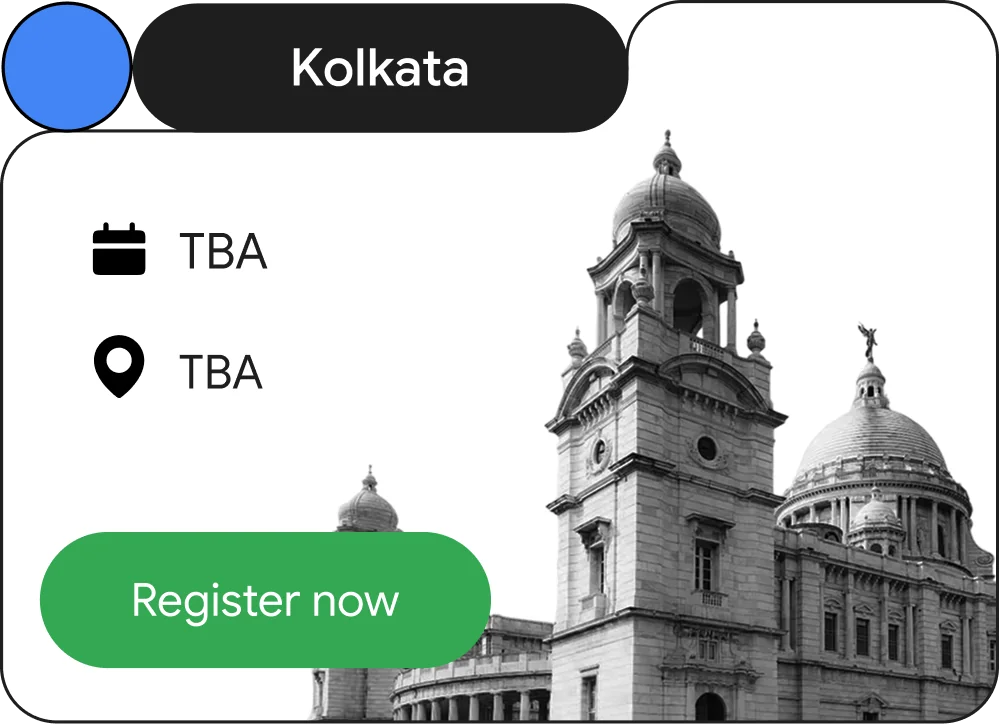
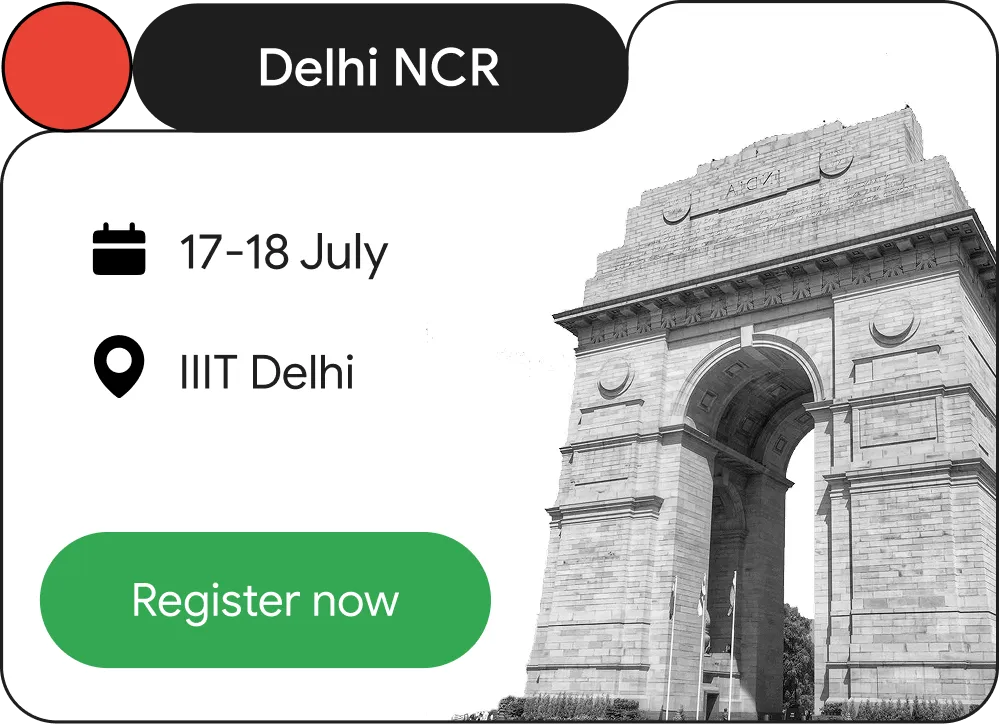
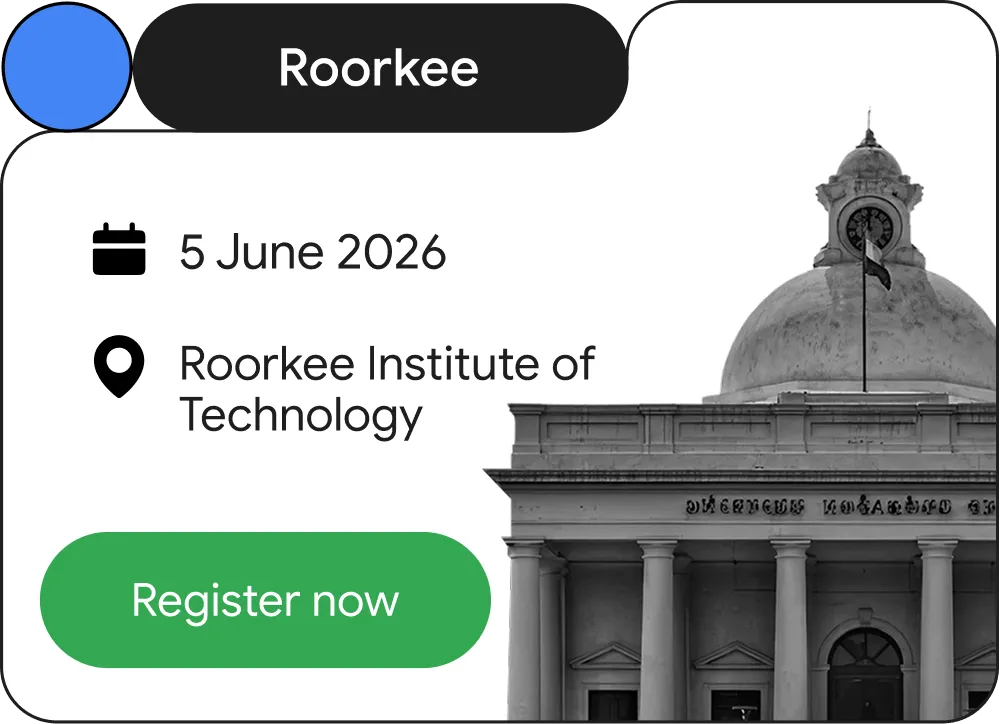
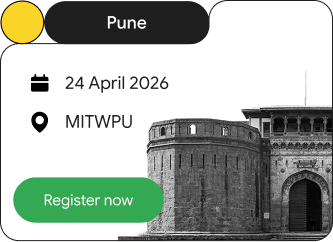
Register for Build with AI Bootcamp to the city near you
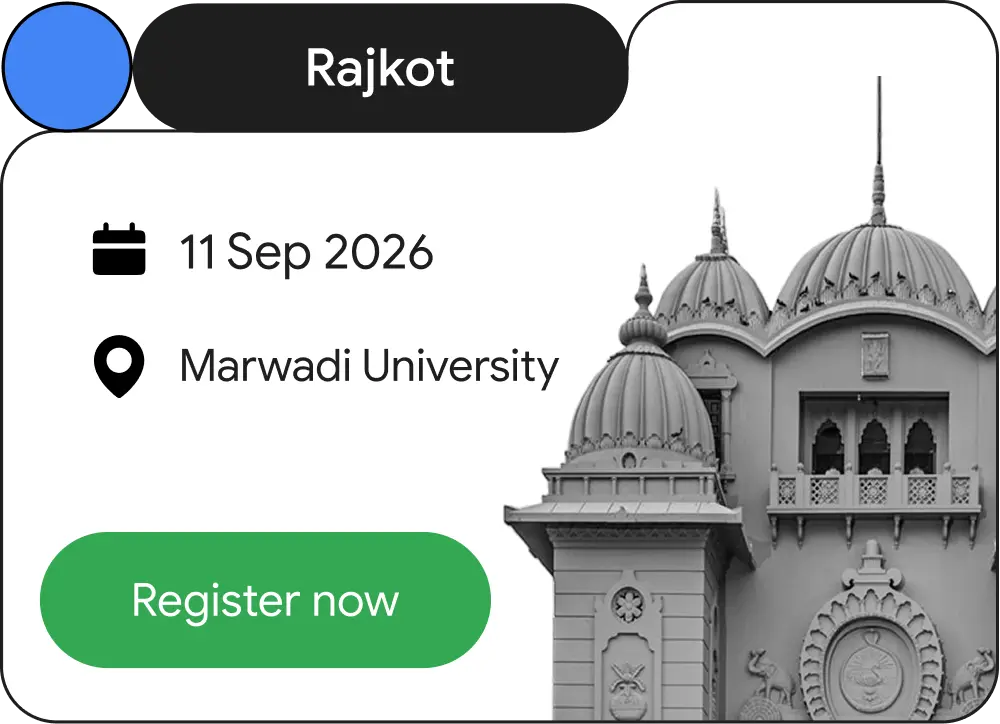

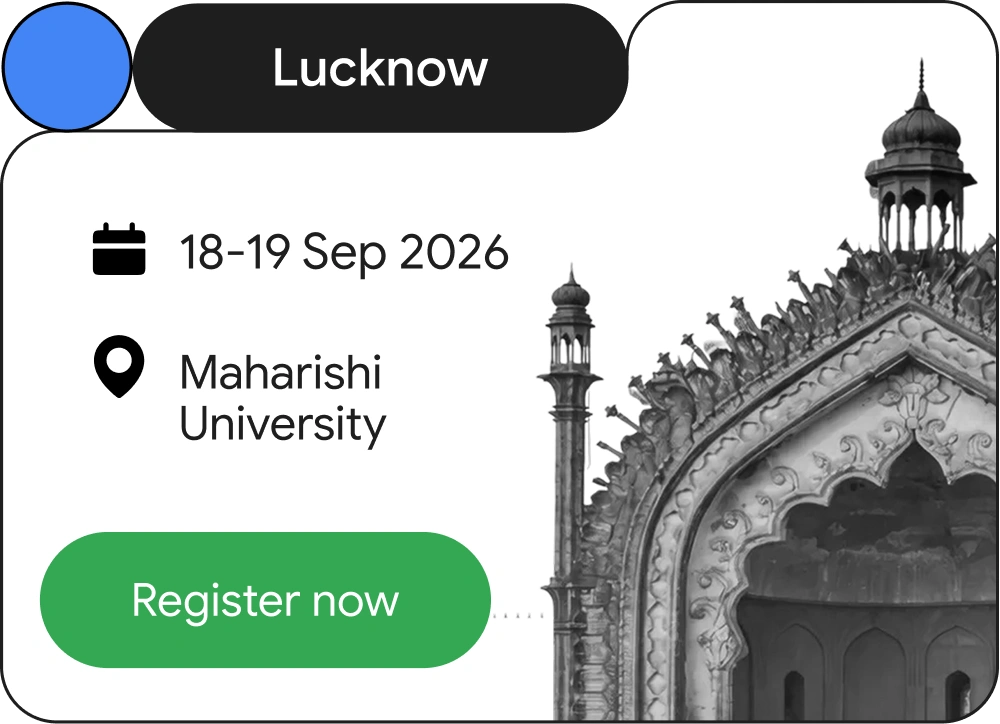

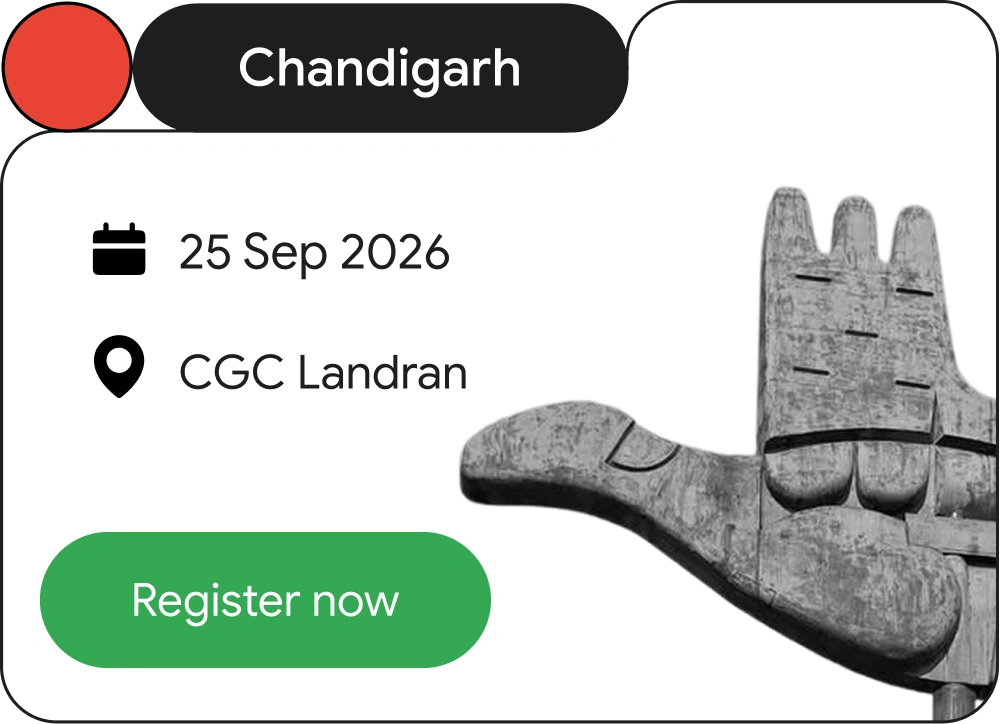
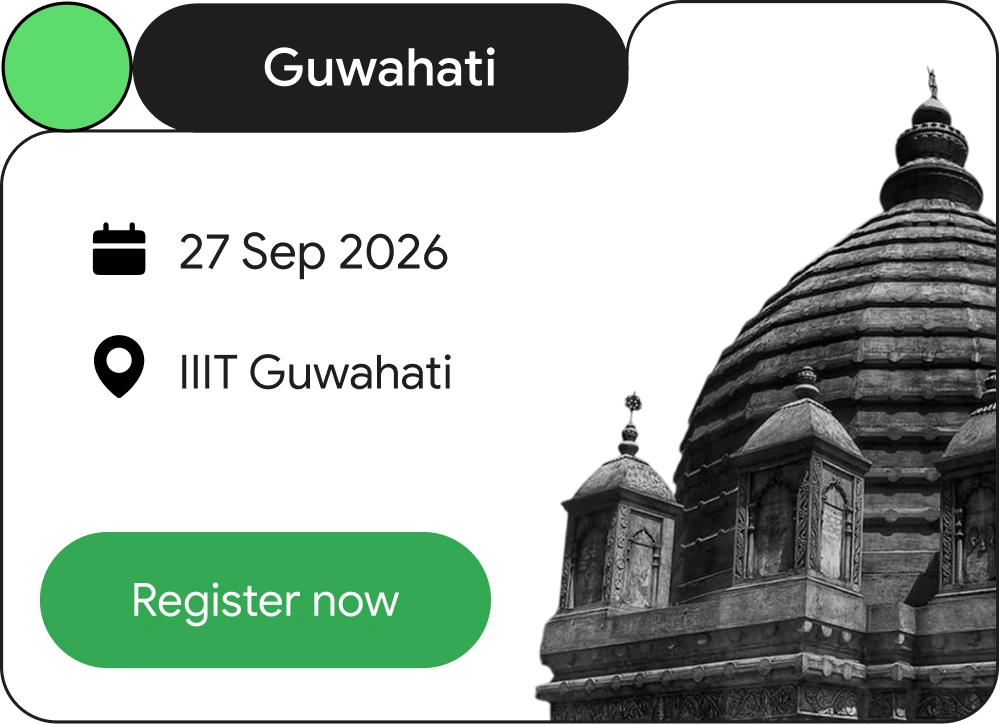














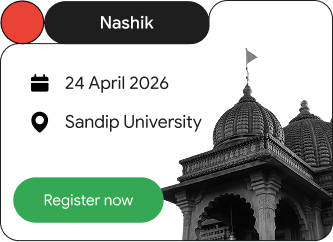


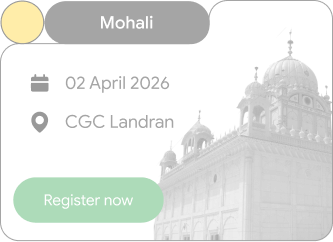

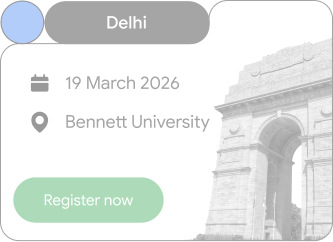
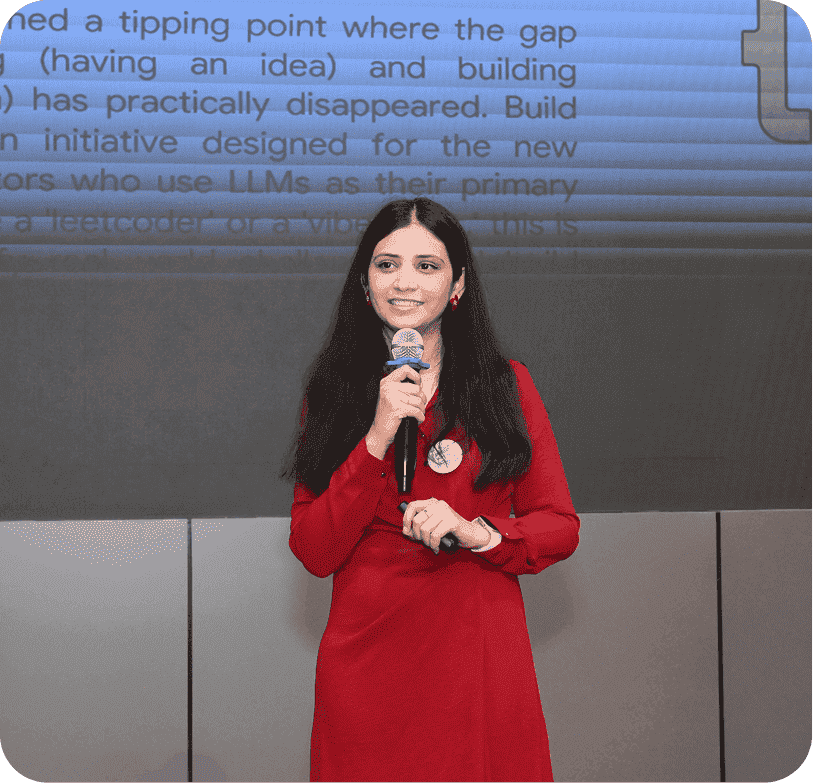
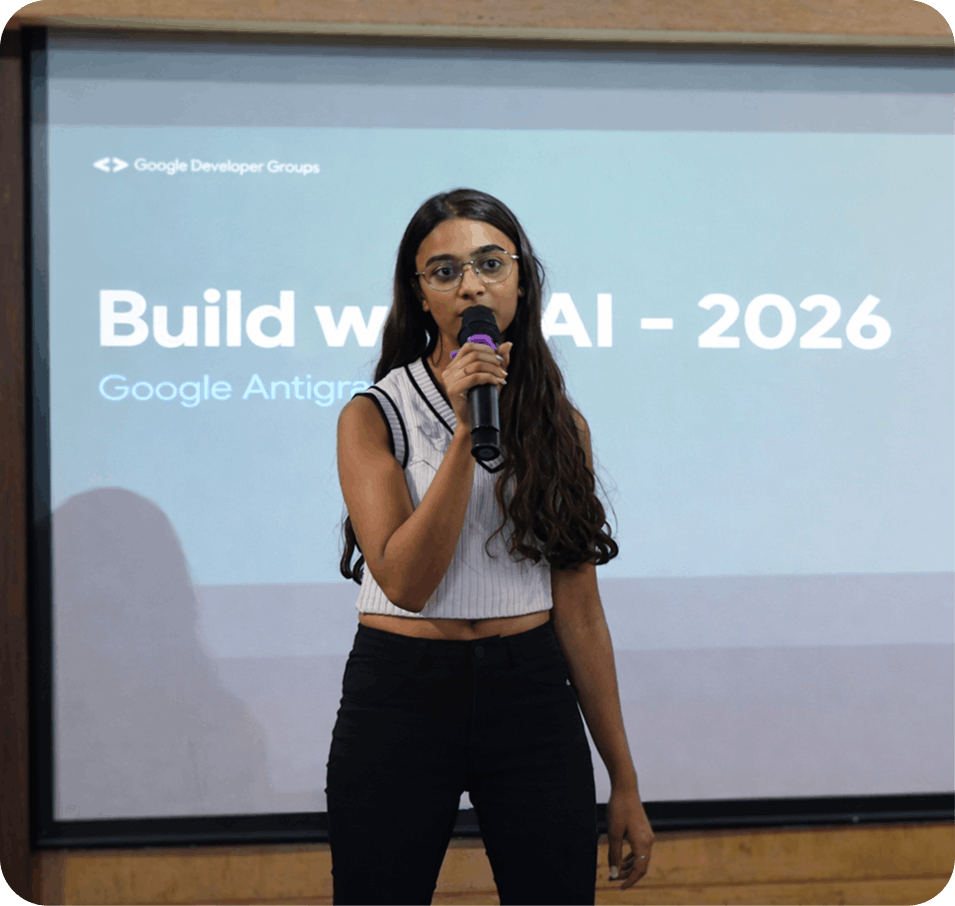
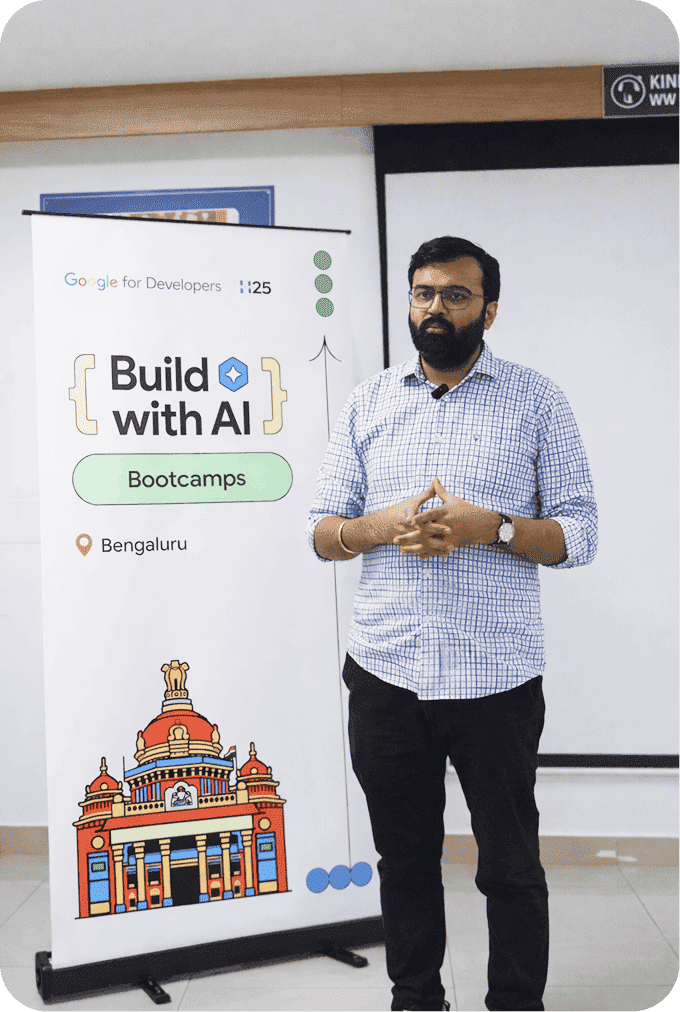
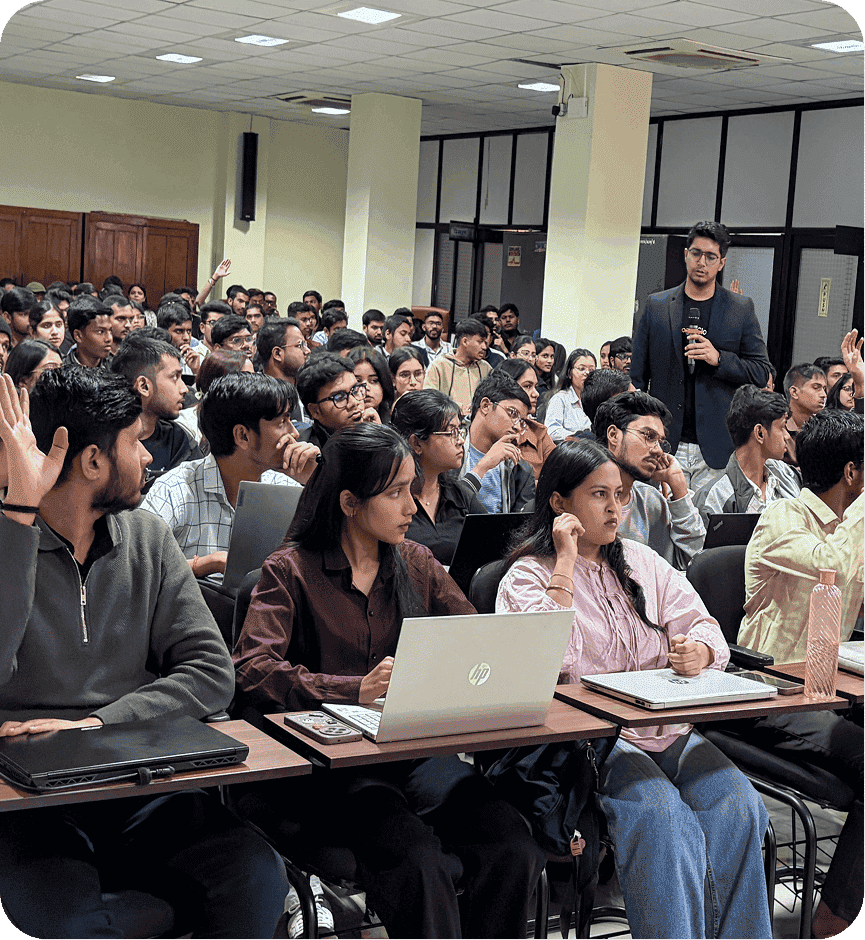
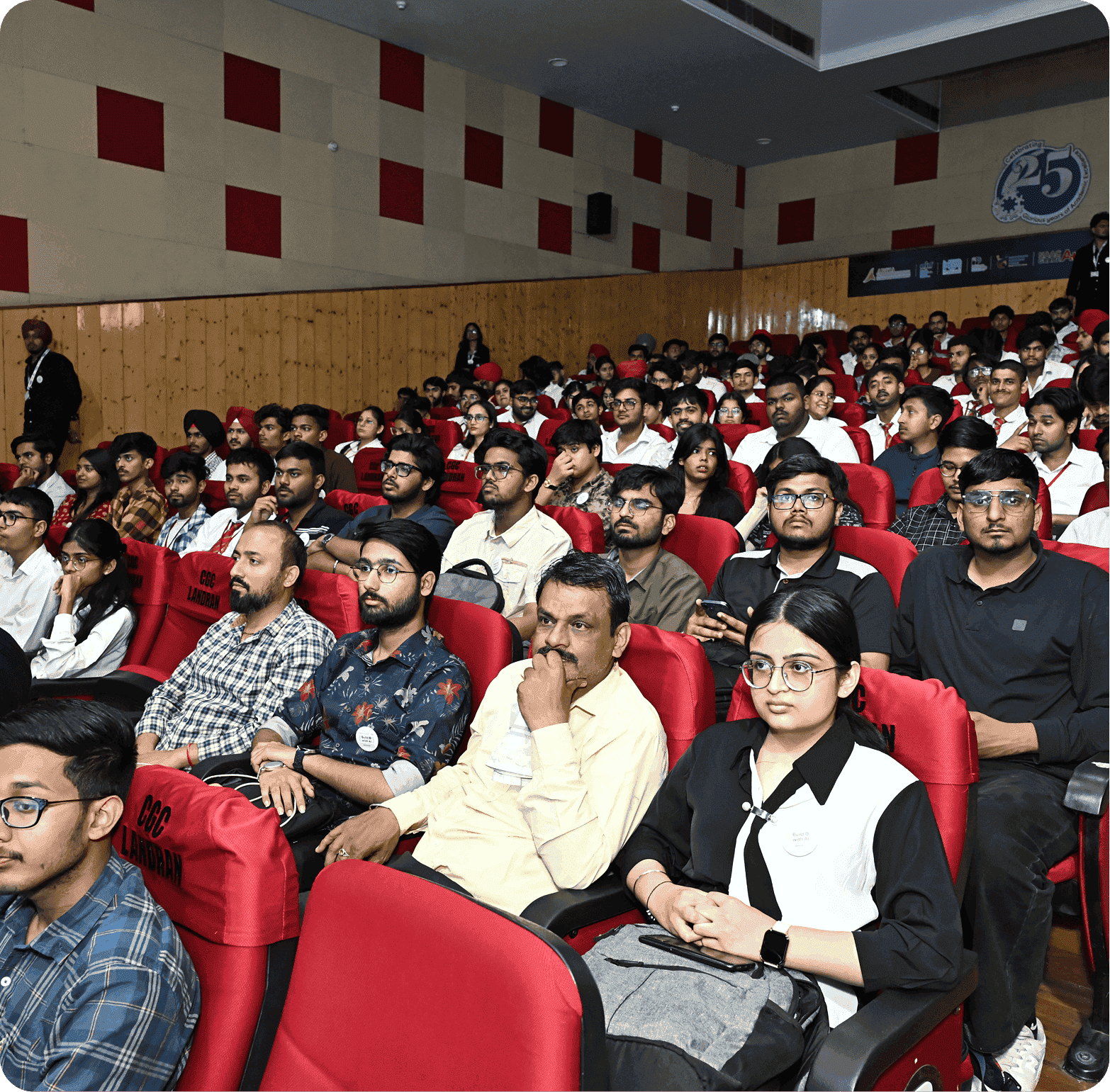
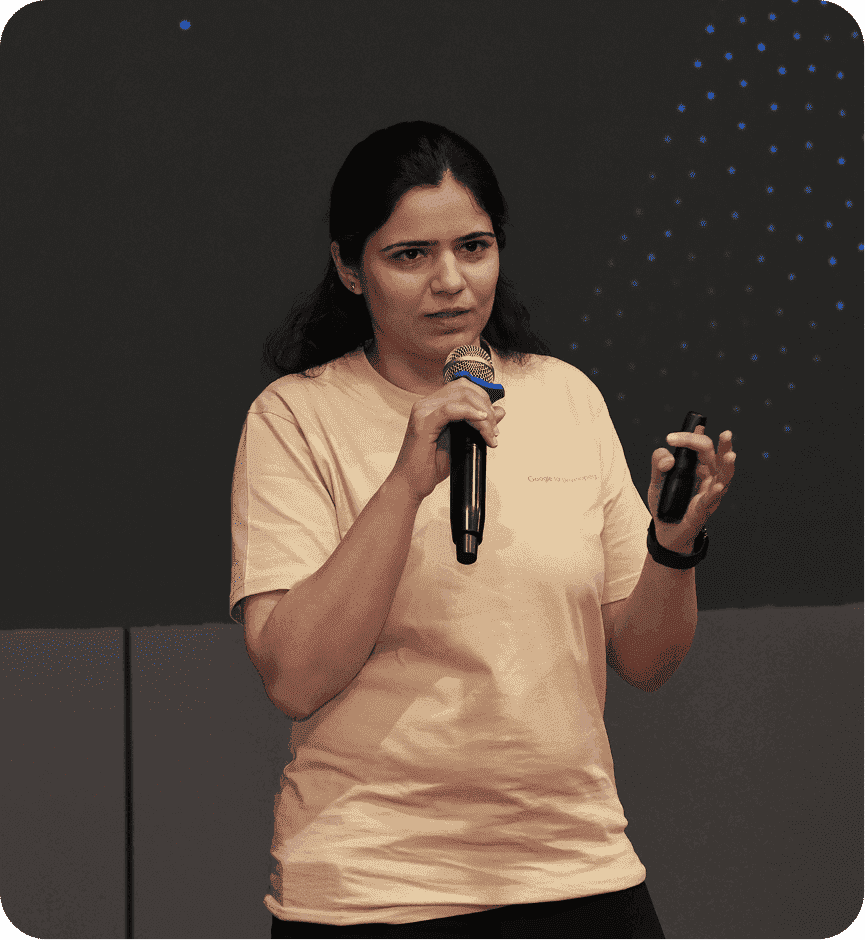
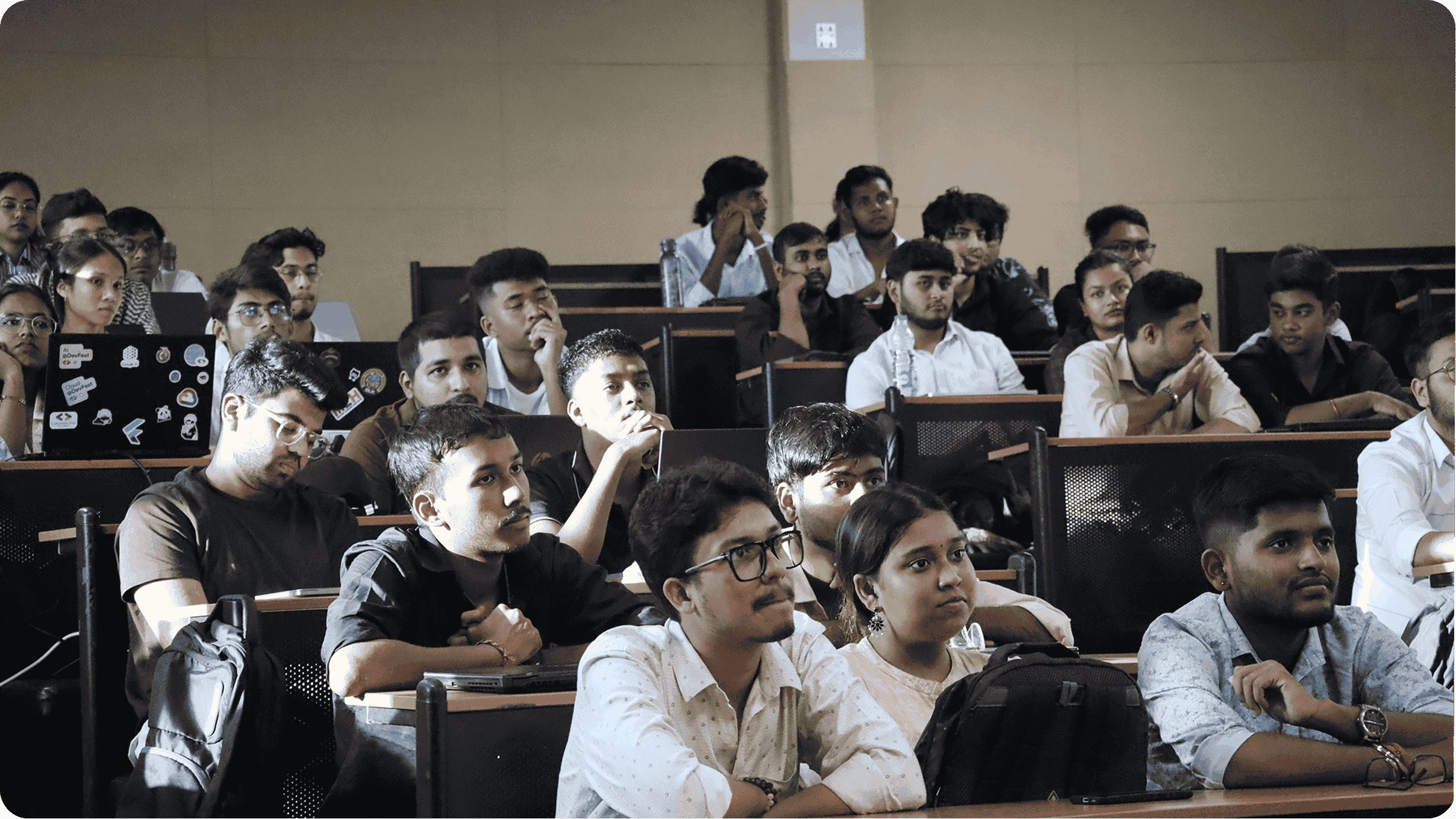
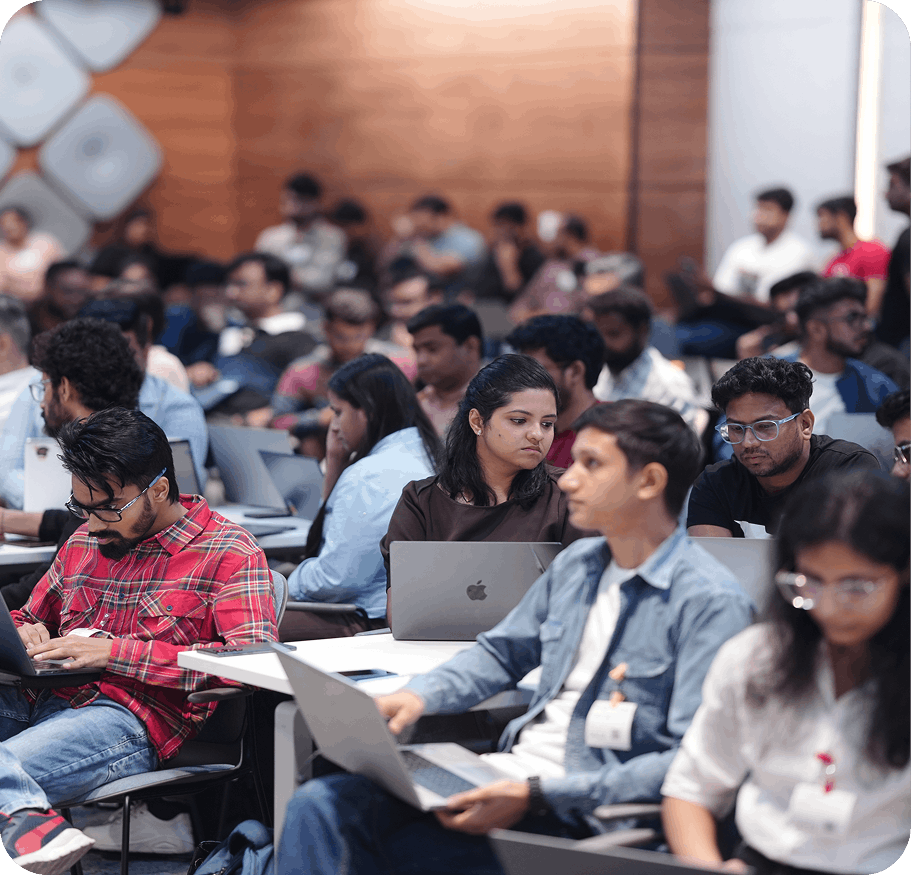
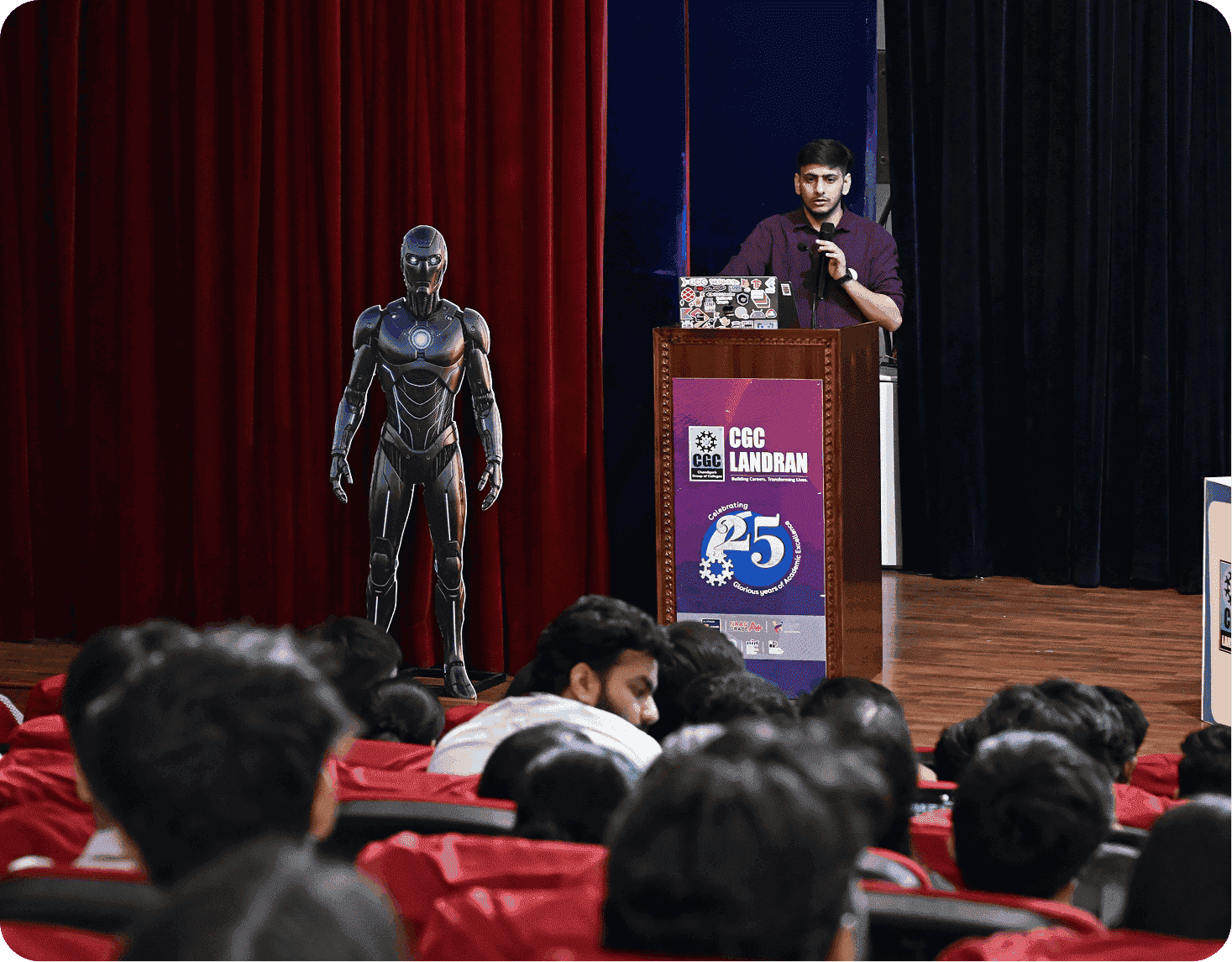
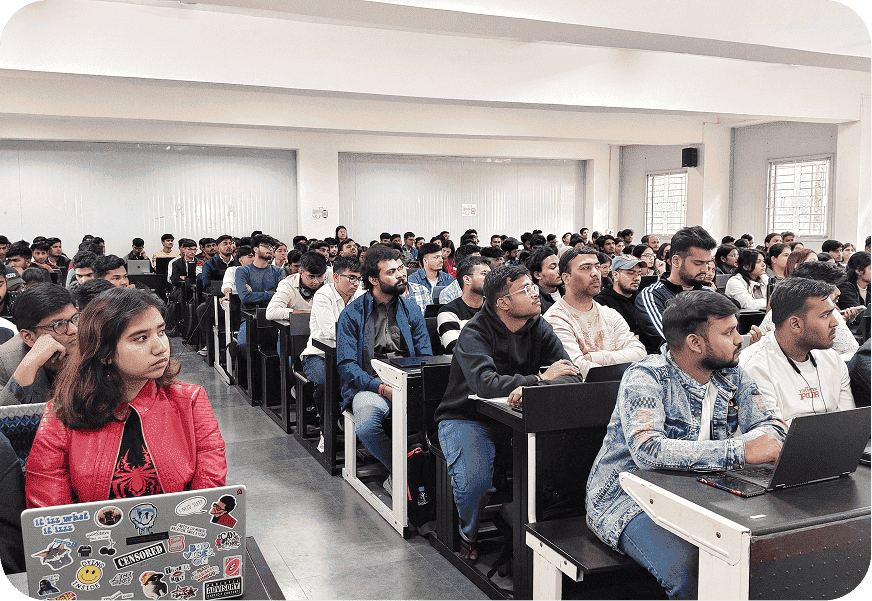
Snapshots of developers
building the future across India


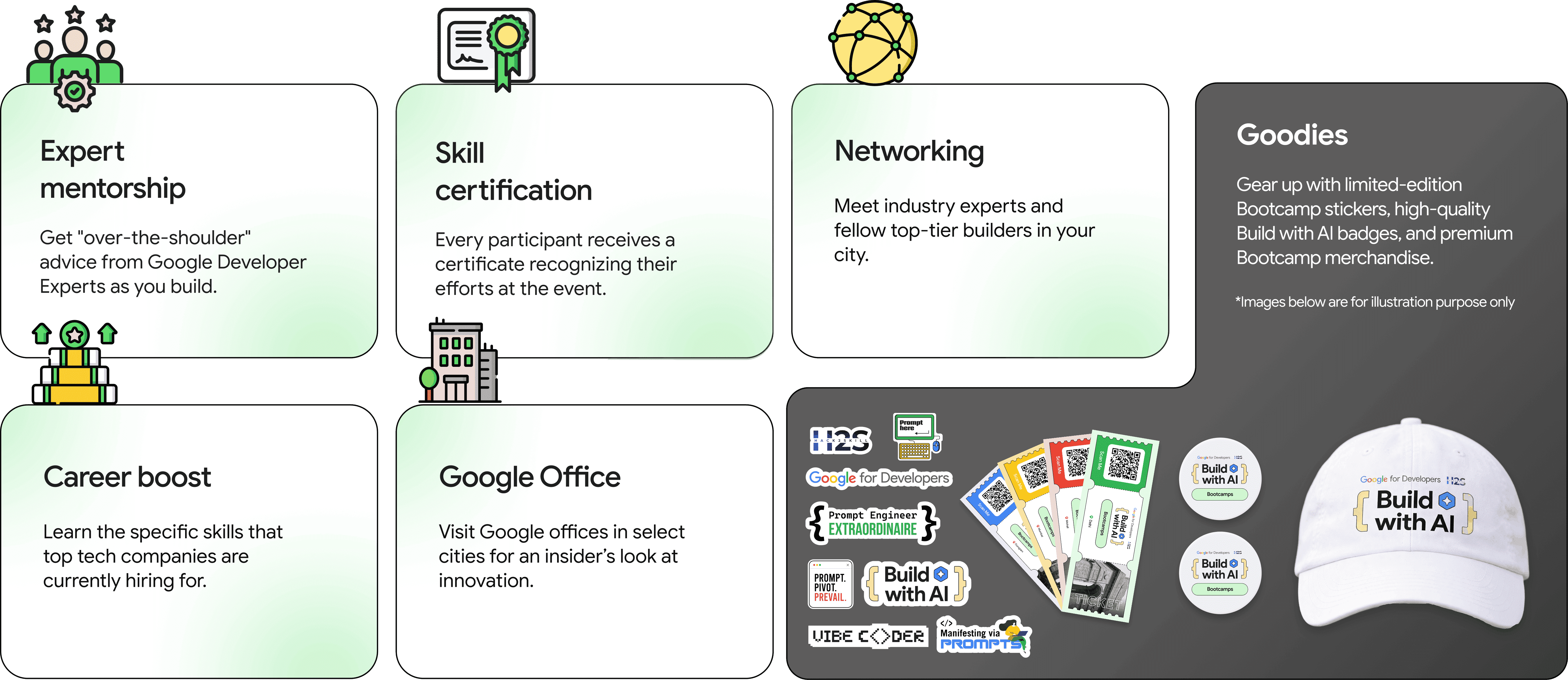
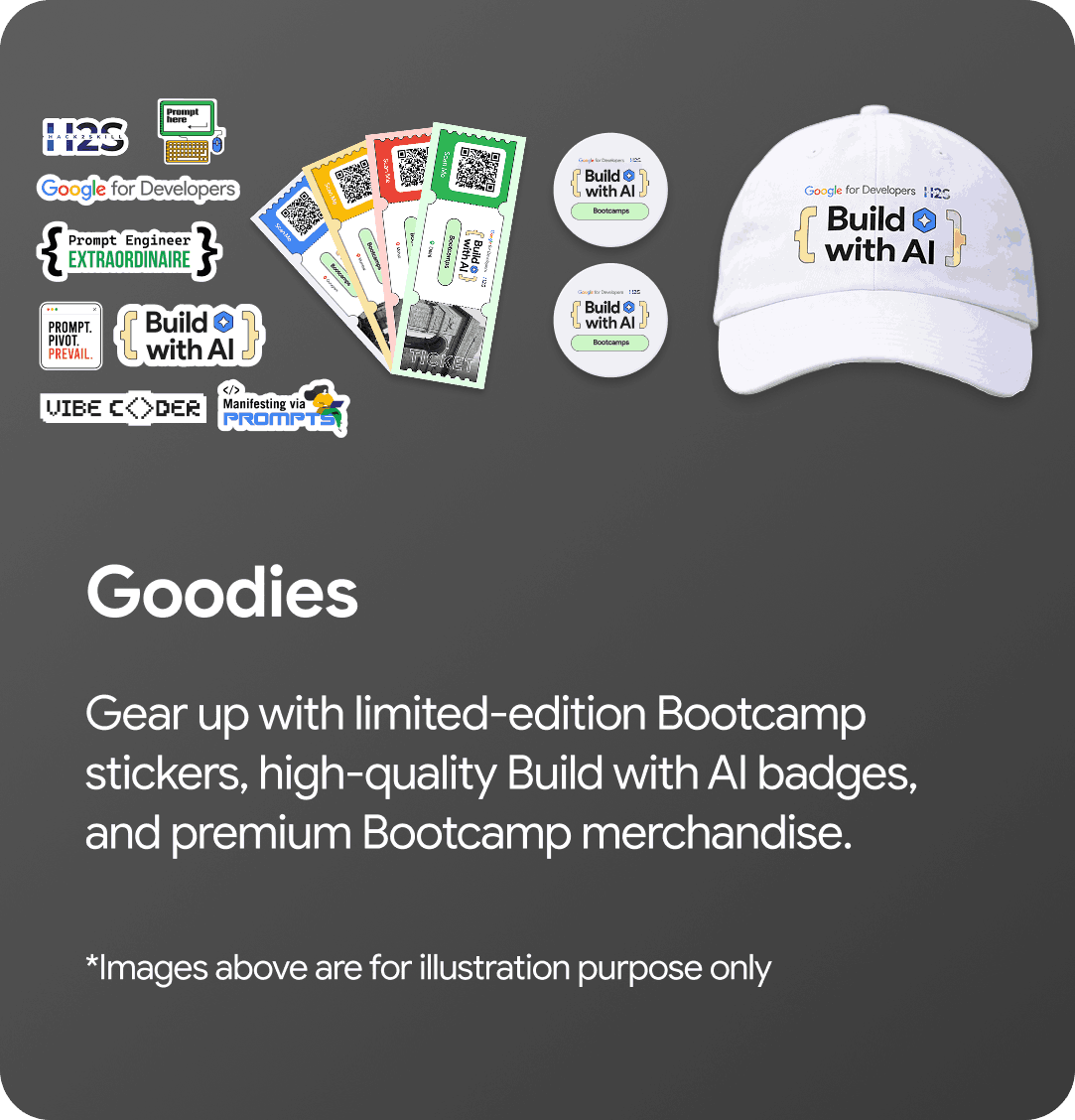
Rewards & benefits
Event flow and timeline
Get ready for an action-packed day of Build with AI Bootcamps! Below is the full timeline to keep you on track from registration to closure.
How to get invited
Sign up
Begin by enrolling in the program to unlock your eligibility for the bootcamp.
RSVP for your city
Choose from listed cities while filling out the registration form. Spaces are limited, so act fast!
Refer your friends
Encourage your colleagues and network to register for this opportunity and share this experience.
Attend the bootcamp
Dedicate 3-4 hours to an immersive, hands-on workshop with Google experts, if shortlisted & invited.
Sign up
Begin by enrolling in the program to unlock your eligibility for the bootcamp.
RSVP for your city
Choose from listed cities while filling out the registration form. Spaces are limited, so act fast!
Refer your friends
Encourage your colleagues and network to register for this opportunity and share this experience.
Attend the bootcamp
Dedicate 3-4 hours to an immersive, hands-on workshop with Google experts, if shortlisted & invited.
Meet the Speakers
Getting started with

Get a head start: Complete these steps at home, if you are shortlisted and invited for the event, so you're ready to build the moment you walk through the doors.


Step 1: Download & install
- Go to the Source: Visit antigravity.google and click the Download button.
- Pick Your Version: Choose the installer for your computer (Windows, macOS, or Linux).
- Install: Run the file. If you've ever installed VS Code, this will look very familiar—Antigravity is built on the same foundation.
Step 2: Initial setup
When you open Antigravity for the first time, it will guide you through a quick setup:
- Sign In: Use your Google account (this is required for the preview version).
- Import Settings: You can choose to import your themes and shortcuts from VS Code or Cursor, or start fresh.
- Select Your AI Policy: You'll be asked how much control you want to give the AI.
Recommended: Agent-Assisted (The AI handles safe tasks automatically but asks you before making major changes).
Step 3: Create your first workspace
Antigravity works best when it has a dedicated space to "think."
- Open the Agent Manager (look for the "Mission Control" icon or the button in the center of the screen).
- Click + Open Workspace.
- Create a new folder on your computer for your project (e.g., my-first-ai-app) and select it.
Step 4: Prompt your first solution
Now, instead of creating files manually, you'll talk to the Agent Side Panel.
- Open the panel (Shortcut: Cmd + L or Ctrl + L).
- Switch to "Planning Mode": This tells the AI to create a plan before it starts writing code.
-
Give a Command: Type something
like:
"Build a simple weather app using HTML and JavaScript. Show the current temperature for a city and use a nice dark-mode design." - Watch the Agent Work: The agent will create the files, write the code, and even open a Browser Preview to show you the result.
Host the future:
Become a venue partner
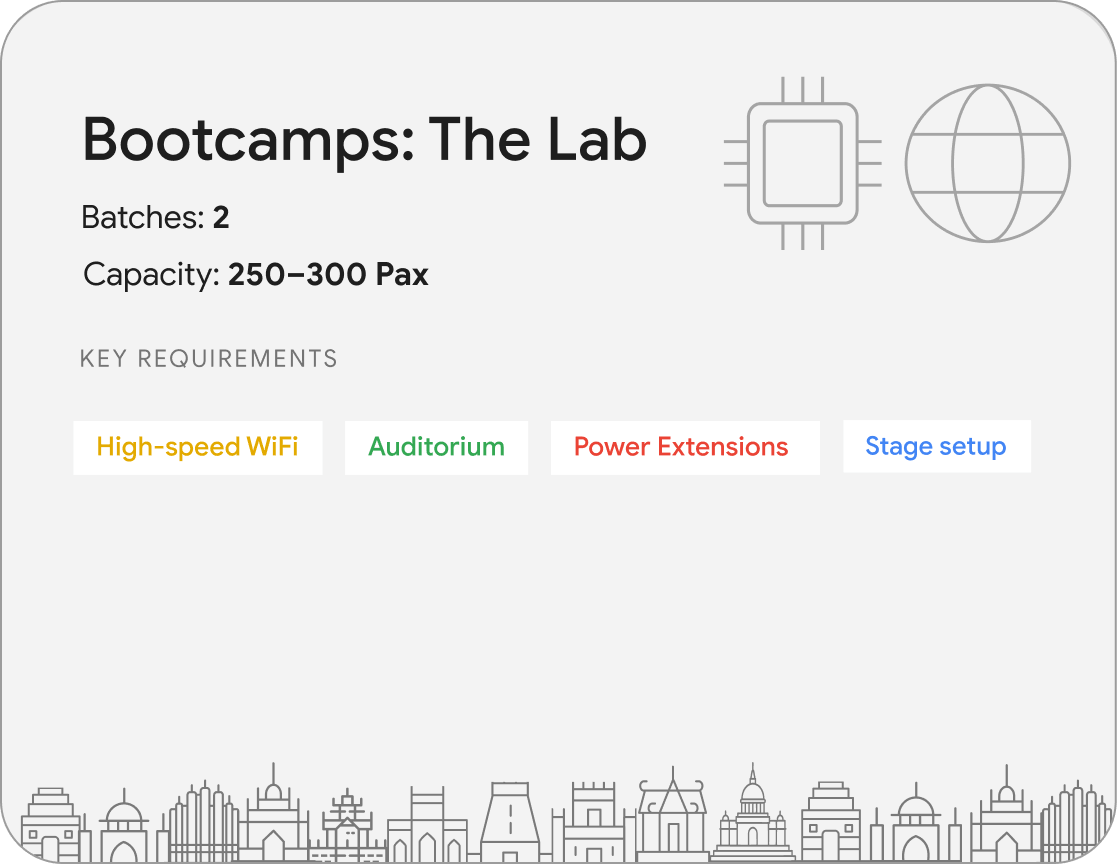
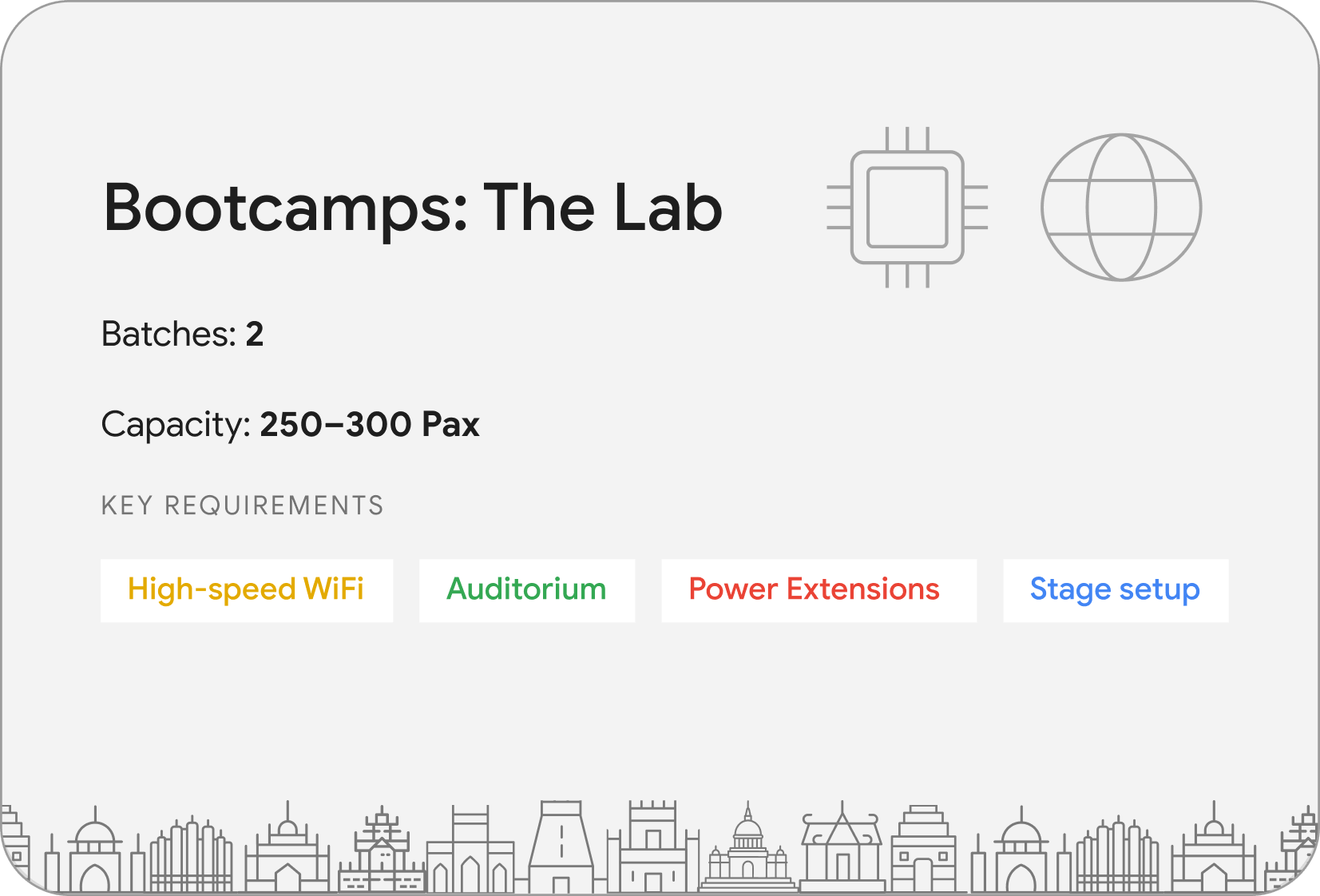
We are looking for elite venues to host Build with AI Bootcamps across India. Fill out the form and put your campus on the map.
Submit your application
Terms & Conditions (T&Cs)
Please note
- The program team reserves the right to invite, shortlist, and confirm participation. Selection criteria are confidential and at the discretion of the organizing committee.
- Travel and accommodation arrangements are the responsibility of the participants and will not be provided by the organizers.
- RSVP confirmations and detailed agendas will be communicated 3-4 days before the scheduled AI Labs event date.
- Participants must bring their own laptops and chargers.